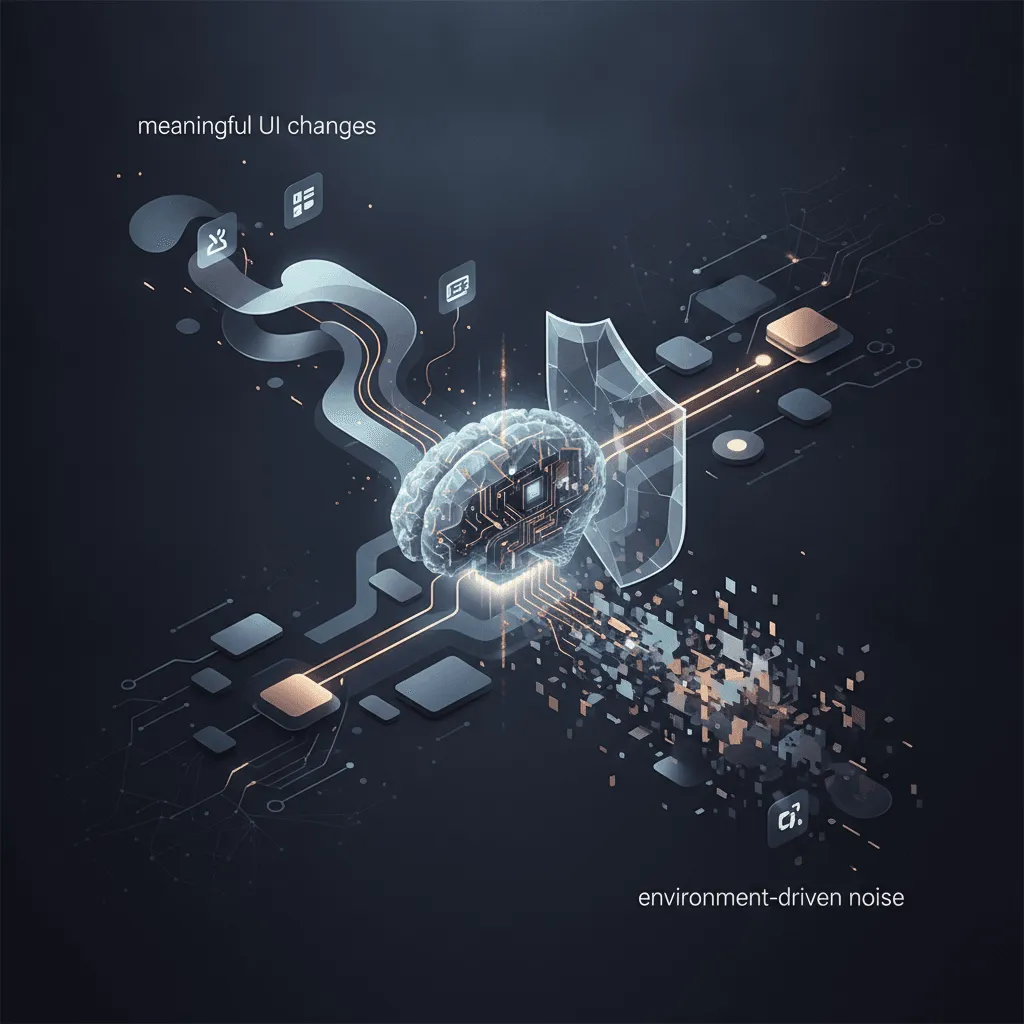
Traditional pixel-by-pixel visual testing compares screenshots at the bitmap level, flagging any difference—even harmless ones caused by font rendering, anti-aliasing, or animation states. This approach generates a high rate of false positives, forcing teams to manually review each discrepancy and update baselines frequently. Over time, the maintenance burden erodes trust in automated testing, leading many teams to abandon visual checks altogether. The problem is compounded by dynamic content (e.g., user-specific data, timestamps) and cross-browser rendering differences, which can cause legitimate UI implementations to fail a pixel-perfect comparison.
AI-based visual testing tools replace exact pixel matching with a learned understanding of what constitutes a meaningful visual change. By training models on labeled examples of intentional UI modifications versus environment-driven noise, these systems can ignore benign differences like sub-pixel shifts or color variations due to GPU rendering. As AI shifts from brute-force scaling to targeted deployments, visual regression testing has emerged as a practical application where smaller, focused models can dramatically reduce false positives. Tools can now assess page structure and semantics, allowing them to handle dynamic content by recognizing that a list item's content changed but the overall layout remained intact.
Integrating AI-powered visual testing into CI/CD pipelines automates the most time-consuming part of UI review. On each commit or pull request, the tool captures screenshots against a configured set of viewports and compares them to an approved baseline using its AI model. Only changes flagged as likely regressions are surfaced for human review, often with a confidence score. This setup reduces the manual QA cycle from hours to minutes and catches layout bugs, broken assets, and responsive design issues before they reach production. Best practices include starting with critical user flows, defining explicit baseline updates via pull request, and combining AI visual checks with unit or component-level tests to cover different layers of the UI stack.
Despite the advantages, AI visual testing comes with real-world tradeoffs. The analysis step can add latency to CI runs, and teams often need to tune thresholds or retry strategies to balance speed and accuracy. Costs vary widely: SaaS platforms offer ease of use but can scale with test volume, while open-source tools demand more setup and maintenance. Dynamic data remains a challenge—common solutions include test data management, masking techniques, or using stable fixtures. Adopting an iterative approach—starting with a few high-value pages, refining thresholds over several sprints, and treating the AI model as a tool that augments rather than replaces human judgment—maximizes return on investment.